Raster Layer as Basemaps and Layers Control - WebGIS Dashboard
Explore Raster Layer as Basemaps and Layers Control - WebGIS Dashboard and enhance your GIS dashboard using Leaflet JS and modern plugins.
View resourceBuild an interactive Leaflet GIS dashboard with basemaps, controls, vector layers, GeoJSON, AJAX, editing, search and geocoding.
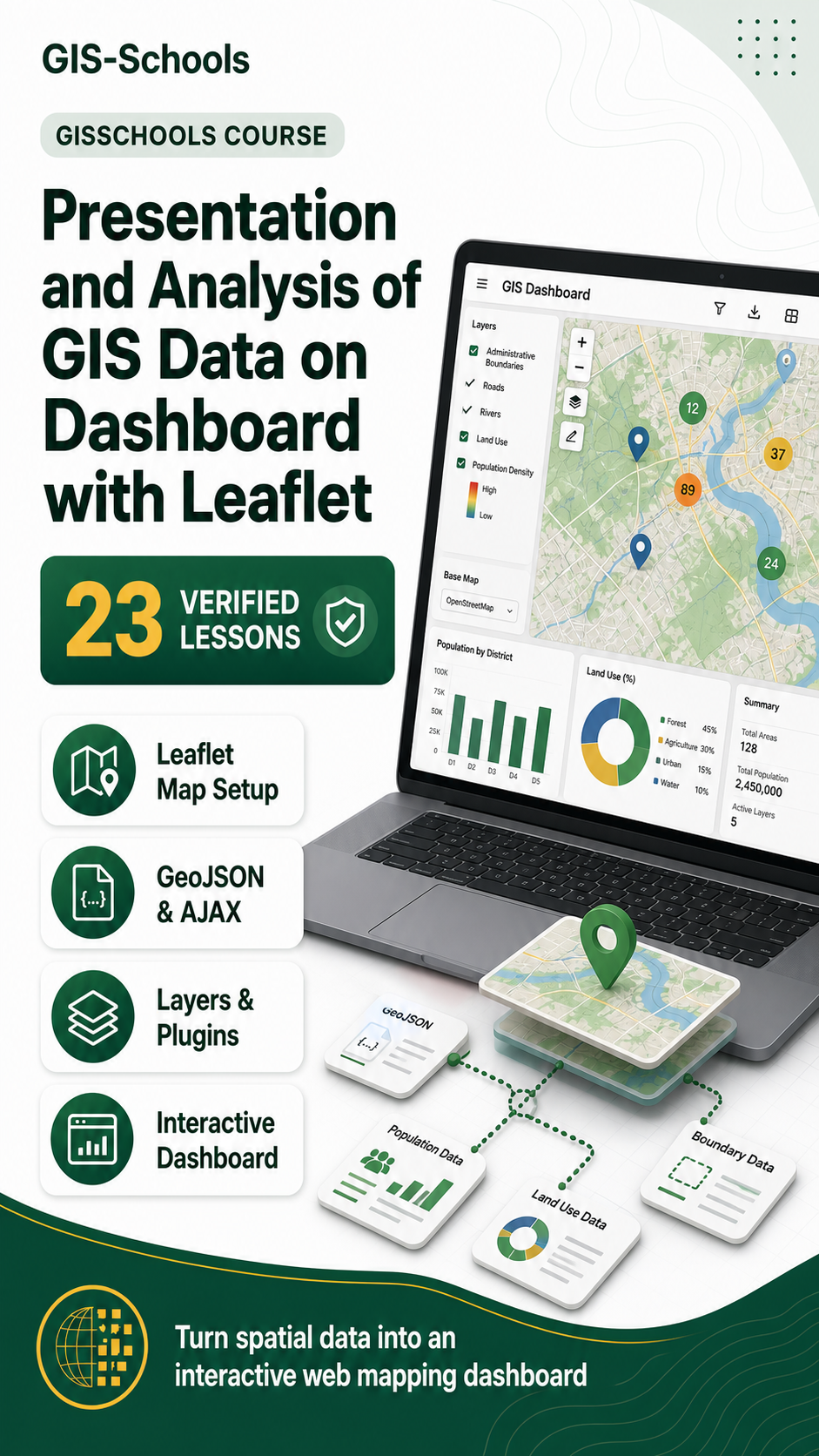
Turn spatial data into an interactive web mapping dashboard with Leaflet. This 23-lesson Course develops a browser-based GIS application step by step, from the first basemap and map object to advanced data interaction.
You will connect the map to page elements, add controls and plugins, display raster and vector layers, load GeoJSON with AJAX, digitize features, cluster markers, style data, search layers, geocode addresses and publish vector tiles.
Explore Raster Layer as Basemaps and Layers Control - WebGIS Dashboard and enhance your GIS dashboard using Leaflet JS and modern plugins.
View resourceOverlay raster images and maps on Leaflet using image overlays and layer controls for custom visualization.
View resourceExplore The Leaflet Marker Object - Vector layers in Leaflet and enhance your GIS dashboard using Leaflet JS and modern plugins.
View resourceUse Leaflet path and polyline objects to display and style line features on a WebGIS map.
View resourceDraw and manage polygons in Leaflet. Style vector layers and manage geometry features.
View resourceManage complex vector data using LayerGroup and FeatureGroup in Leaflet. Organize map layers efficiently.
View resourceEnable Leaflet Draw tools to digitize features like points, lines, and polygons directly on the web map.
View resourceLoad GeoJSON data using AJAX in Leaflet. Create dynamic, data-driven WebGIS dashboards.
View resource