


Exact checkpoint
This record selects the nano detection checkpoint yolo26n.pt from the official assets v8.4.0 release. It is a released YOLO26 model, not the unreleased YOLO27 preview. The selected weights predict the COCO detection vocabulary (80 classes). Other YOLO tasks use different checkpoints.
How it works
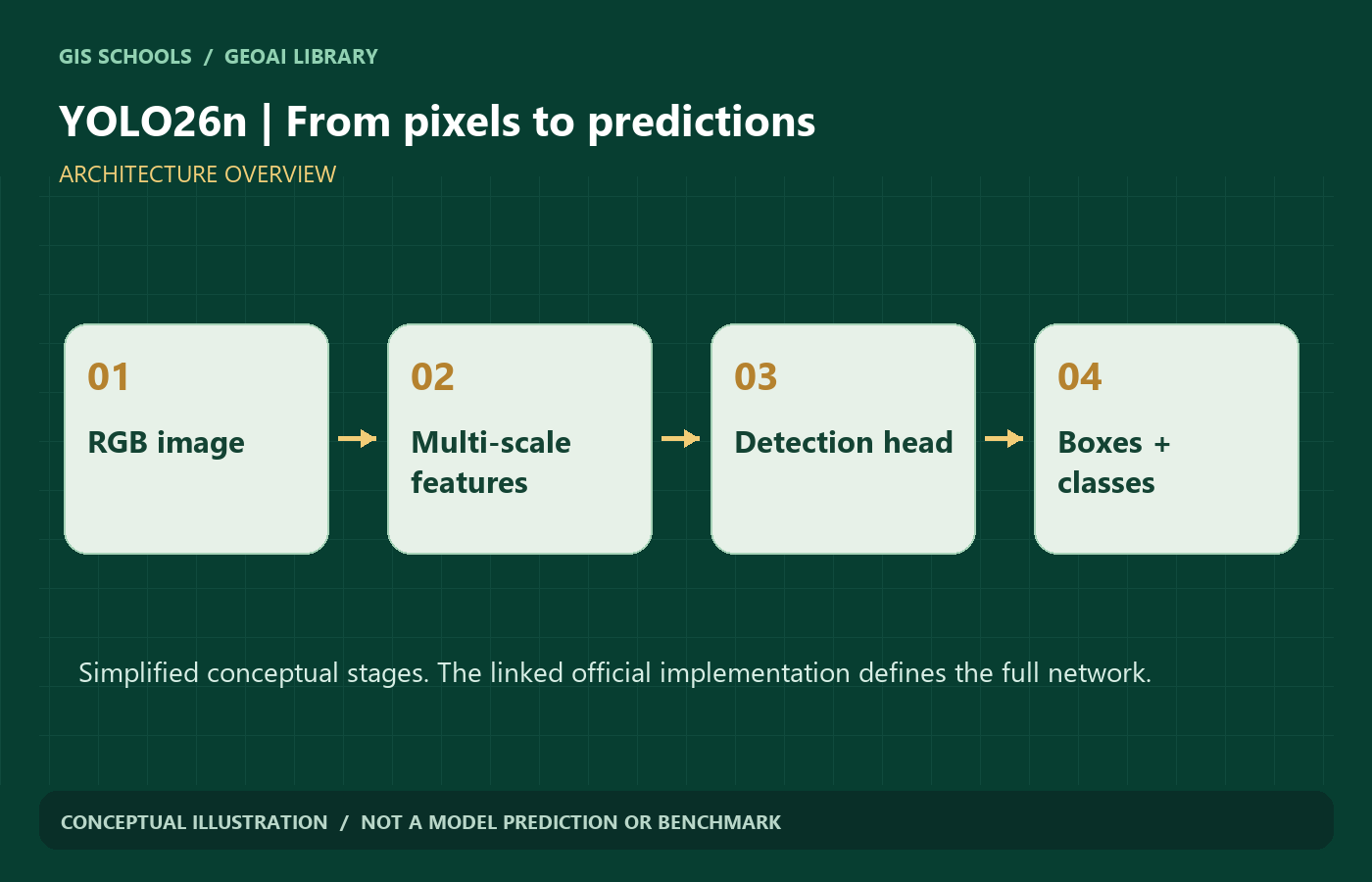
A convolutional backbone extracts visual patterns at several scales. Feature fusion passes these patterns to a detection head, which predicts object locations and classes. YOLO26 removes DFL box regression. Its default one-to-many path uses non-maximum suppression; an optional one-to-one path supports NMS-free inference. Use the documented setting for your installed version rather than assuming both paths produce identical results.
Typical input and output
Input: an RGB image or image batch. The official detection table uses 640-pixel input. Output: axis-aligned boxes, class IDs and confidence scores in image coordinates; these are not georeferenced GIS features.
Why consider this model
The small nano variant is a practical starting point for testing an object-detection workflow. The Ultralytics API joins prediction, training, validation and export. Smaller weights do not establish real-time performance on your device.
GIS and remote-sensing workflow
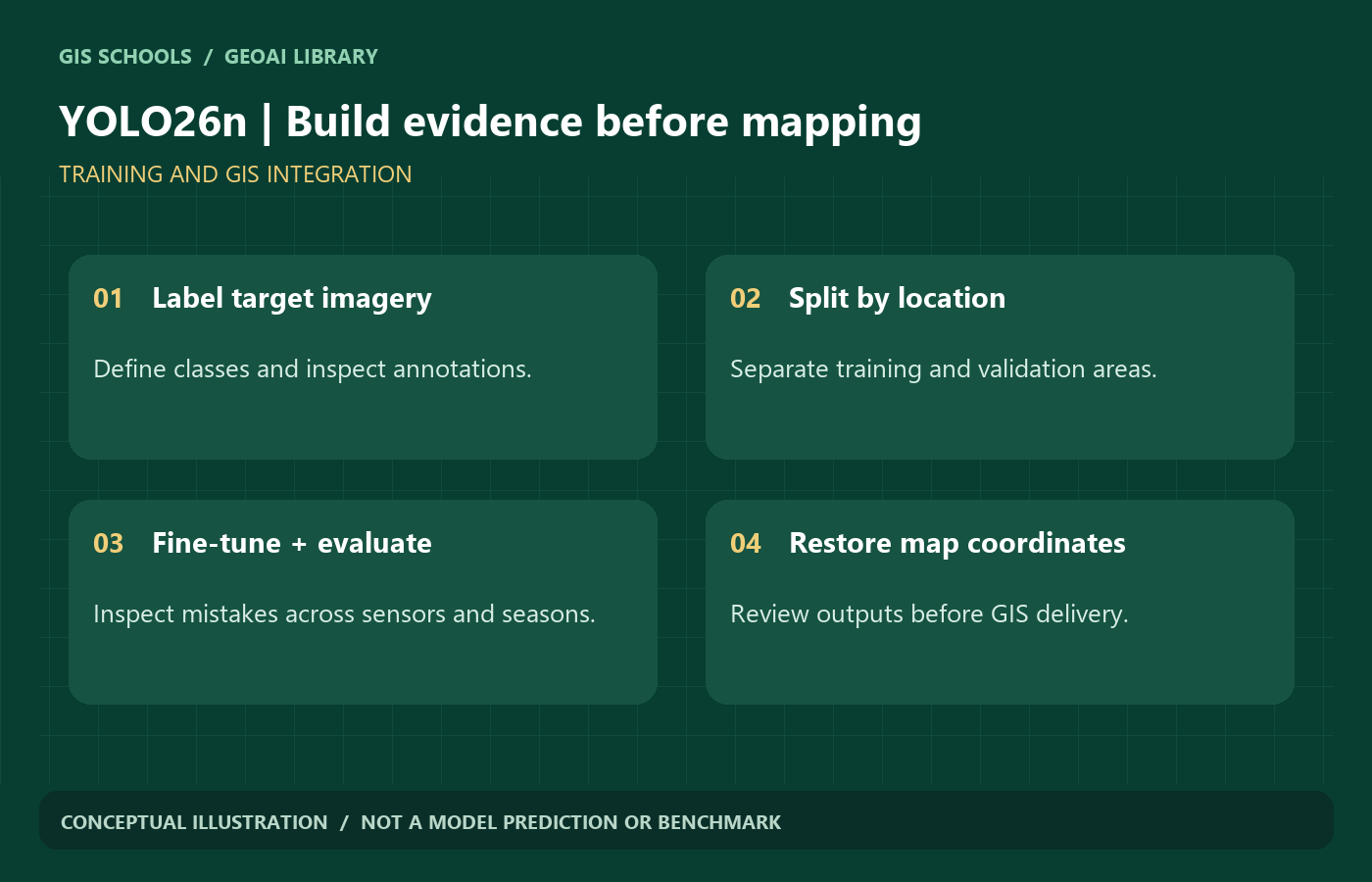
After task-specific fine-tuning, detection can support inventories of buildings, vehicles, trees, solar installations or infrastructure assets. These are potential project targets, not a claim about the supplied checkpoint. Preserve each chip origin and resolution, transform image boxes back to map coordinates, and review overlaps before building an asset inventory.
Limitations
COCO categories are not a land-use catalogue. These weights do not promise solar-panel or building-footprint recognition. Tiny objects, overhead viewpoints, shadows and changes in ground sampling distance can cause missed or incorrect detections. This detection checkpoint does not output segmentation masks or rotated boxes.
Training and fine-tuning
Prepare YOLO detection labels and a dataset YAML with image paths and the intended class names. Start from the official checkpoint, fine-tune on licensed target imagery, and validate a held-out area. For custom GIS classes, provide consistent bounding boxes, include hard negatives and inspect label quality before increasing the training budget. Keep image size, augmentations and confidence thresholds in your experiment record.
Framework and hardware
Ultralytics Python package with PyTorch. A compatible GPU is useful for training; CPU inference can be used for a small trial. No fixed VRAM minimum or speed is claimed here: batch size, image size and export runtime change memory and latency.
Model files and license
Official external weights are provided. AGPL distribution requires satisfying the applicable corresponding-source and notice obligations; this task has not established a complete compliant mirror package for this checkpoint. GISSchools does not substitute an Enterprise license or imply that downloading grants one.
Practical validation before mapping
- Split by geographic area before creating overlapping chips; keep the final test area out of model selection.
- Inspect different seasons, shadows, sensors and object sizes. Review errors on the original imagery, not only a single aggregate score.
- Use precision, recall and detection AP with documented overlap thresholds. Keep uncertain outputs for human review.
- Record data rights, coordinate reference system, pixel size, preprocessing and model revision with exported results.
Validation status: GISSchools has checked source provenance and website delivery. No training, inference benchmark or remote-sensing accuracy evaluation was performed for these pages. Gallery diagrams are conceptual illustrations, not model predictions.
Official references
Examples and images
Downloads and resources
Official external weights are provided. AGPL distribution requires satisfying the applicable corresponding-source and notice obligations; this task has not established a complete compliant mirror package for this checkpoint. GISSchools does not substitute an Enterprise license or imply that downloading grants one.
Original implementation and project updates.
Loading, preprocessing and usage reference.
Review the terms before using or redistributing the model.
Comments
No comments yet. Start the discussion.
Leave a reply
Your email address will not be published. Required fields are marked.